Green Screen & Video Editing with Craig 28.10.22
- Aldous George

- Nov 24, 2022
- 1 min read

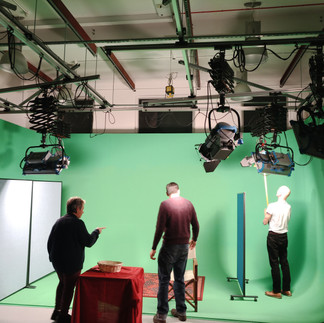
I really enjoyed these two workshops with Craig. He was very friendly, knowledgeable and explanatory. Although I may not be able to take my finished sculpture to the green screen at Uni very easily, I have discovered I can create my own and that it doesn't necessarily have to be green. Green is usually used as it is the colour furthest away from skin tones. Adobe After Effects is used to replace the green (or whatever colour you choose) with whatever you want i.e. picture or video or special effects etc. I also learnt how to use the puppet effect in After Effects which will allow me to animate my Sculpture in film and I won't necessarily have to use a green screen as I can take an Image of my sculpture into photoshop and cut round it and then place into After Effects to animate on top of a any background I choose. Options!!
(You can click on image above for a bit more detail on green screens.)




Below: Craigs instructions for placing images from green screen on to background and how to use puppet effect.
Below: Examples of effects that can be achieved. This was done rather quickly to show what is possible rather than a precice polished piece of film. Good fun though. Definitely recommend Anna as an actor.
Comments